
Medicare Part D Notices Are Due By October 15
The date for distributing Medicare Part D notices is approaching.

As Election Day 2025 approaches, HR professionals should take time to review their organization’s policies on employee voting leave.

As Election Day 2025 approaches, HR professionals should take time to review their organization’s policies on employee voting leave. While there is no federal law requiring employers to provide time off to vote, many states have enacted their own rules to make sure employees have the opportunity to cast their ballots. These laws vary widely in terms of whether time off must be paid, how much advance notice is required, and whether employers must post notices about voting rights.
Some states require paid leave for employees who cannot reasonably vote outside of work hours. For example, California, New York, Illinois, and Colorado mandate paid time off to vote in certain circumstances. Other states, such as Alabama, Georgia, and Wisconsin, allow unpaid leave. In every case, employers should confirm whether paid or unpaid time off applies in the state where each employee works.
Several states define eligibility based on whether an employee already has enough time to vote outside their work schedule.
Many states require employees to notify their employer before Election Day. Illinois and Tennessee, for example, require advance notice, while other states—such as Georgia—do not. In most states, employers can determine when during the day the leave will be taken, typically at the beginning or end of a shift to minimize business disruption.
Some states have posting requirements. California requires employers to display a “Time Off to Vote” notice at least 10 days before Election Day. New York and the District of Columbia also require conspicuous postings or electronic distribution for remote employees. HR teams should review state-specific posting rules and make sure all notices are visible to both on-site and remote staff.
Nearly every state that provides voting leave also prohibits employers from disciplining, firing, or reducing pay for employees who lawfully take time off to vote. In states such as Ohio, Colorado, and New York, these protections are clearly stated in law.
| State | Leave Requirement | Paid or Unpaid | Notes / Conditions |
|---|---|---|---|
| Alabama | Up to 1 hour | Unpaid | Reasonable notice; only if less than 2 hours outside work to vote. |
| Alaska | As needed | Paid | If employee lacks 2 consecutive hours outside work. |
| Arizona | Up to 3 hours | Paid | If fewer than 3 nonworking hours; advance notice required. |
| Arkansas | Schedule adjustment | — | Employer must schedule work hours to allow time to vote. |
| California | Up to 2 hours | Paid | 2-day notice; at start or end of shift; posting required. |
| Colorado | Up to 2 hours | Paid | If fewer than 3 nonworking hours; request before Election Day. |
| Georgia | Up to 2 hours | Unpaid | Only if work prevents 2 consecutive hours to vote. |
| Hawaii | Up to 2 hours | Paid | If fewer than 2 consecutive nonworking hours. |
| Illinois | Up to 2 hours | Paid | Request before Election Day; applies if insufficient time outside work. |
| Iowa | Up to 3 hours | Paid | Written request required; taken at start or end of shift. |
| Kansas | Up to 2 hours | Paid | If fewer than 2 consecutive hours outside work; employer may set timing. |
| Kentucky | At least 4 hours | Unpaid | Reasonable time; advance notice required. |
| Maryland | Up to 2 hours | Paid | If fewer than 2 consecutive nonworking hours. |
| Massachusetts | Up to 2 hours | Unpaid | Applies to manufacturing, mechanical, and retail workers only. |
| Minnesota | As needed | Paid | Must allow sufficient time to vote without loss of pay. |
| Missouri | Up to 3 hours | Paid | Advance notice required; employer may set timing. |
| Nebraska | Up to 2 hours | Paid | If fewer than 2 nonworking hours; request before Election Day. |
| Nevada | 1–3 hours | Paid | Based on distance to polls; apply before Election Day. |
| New Mexico | Up to 2 hours | Paid | If fewer than 2 consecutive nonworking hours to vote. |
| New York | Up to 2 hours | Paid | If fewer than 4 consecutive nonworking hours; 2-day notice; posting required. |
| Ohio | Reasonable time | Unpaid | No penalty or retaliation allowed. |
| Oklahoma | Up to 2 hours | Paid | Prior notice required; employer may set timing. |
| South Dakota | Up to 2 hours | Paid | If work prevents 2 consecutive nonworking hours to vote. |
| Tennessee | Up to 3 hours | Paid | Request before noon the day prior; only if insufficient time outside work. |
| Texas | Reasonable time | Paid | Not required if employee has 2 free hours outside work. |
| Utah | Up to 2 hours | Paid | If fewer than 3 consecutive nonworking hours. |
| District of Columbia | Up to 2 hours | Paid | Posting and electronic notice required; applies to remote staff. |
| West Virginia | Up to 3 hours | Paid | Must be requested at least 3 days in advance. |
| Wisconsin | Up to 3 hours | Unpaid | Request prior to Election Day; employer may set timing. |
| Wyoming | Up to 1 hour | Paid | If work prevents 3 consecutive nonworking hours to vote. |
Bottom line: Election laws differ by state, and compliance is based on the employee’s work location. Reviewing and updating policies before Election Day helps employers stay compliant while supporting employees’ right to participate in the democratic process.
Benefit Allocation Systems (BAS) provides online solutions for: Employee Benefits Enrollment; COBRA; Flexible Spending Accounts (FSAs); Health Reimbursement Accounts (HRAs); Leave of Absence Premium Billing (LOA); Affordable Care Act Record Keeping, Compliance & IRS Reporting (ACA); Group Insurance Premium Billing; Property & Casualty Premium Billing; and Payroll Integration.
MyEnroll360 integrates with major insurance carriers for enrollment eligibility management (e.g., Blue Cross, Blue Shield, Aetna, United Health Care, Kaiser, CIGNA and others), and with leading payroll platforms for enrollment deduction management (e.g., Workday, ADP, Paylocity, PayCor, UKG, and others).
This article is for informational purposes only and is not intended as legal, tax, or benefits advice. Readers should not rely on this information for taking (or not taking) any action relating to employment, compliance, or benefits. Always consult with a qualified professional before making decisions based on this content.
The date for distributing Medicare Part D notices is approaching.
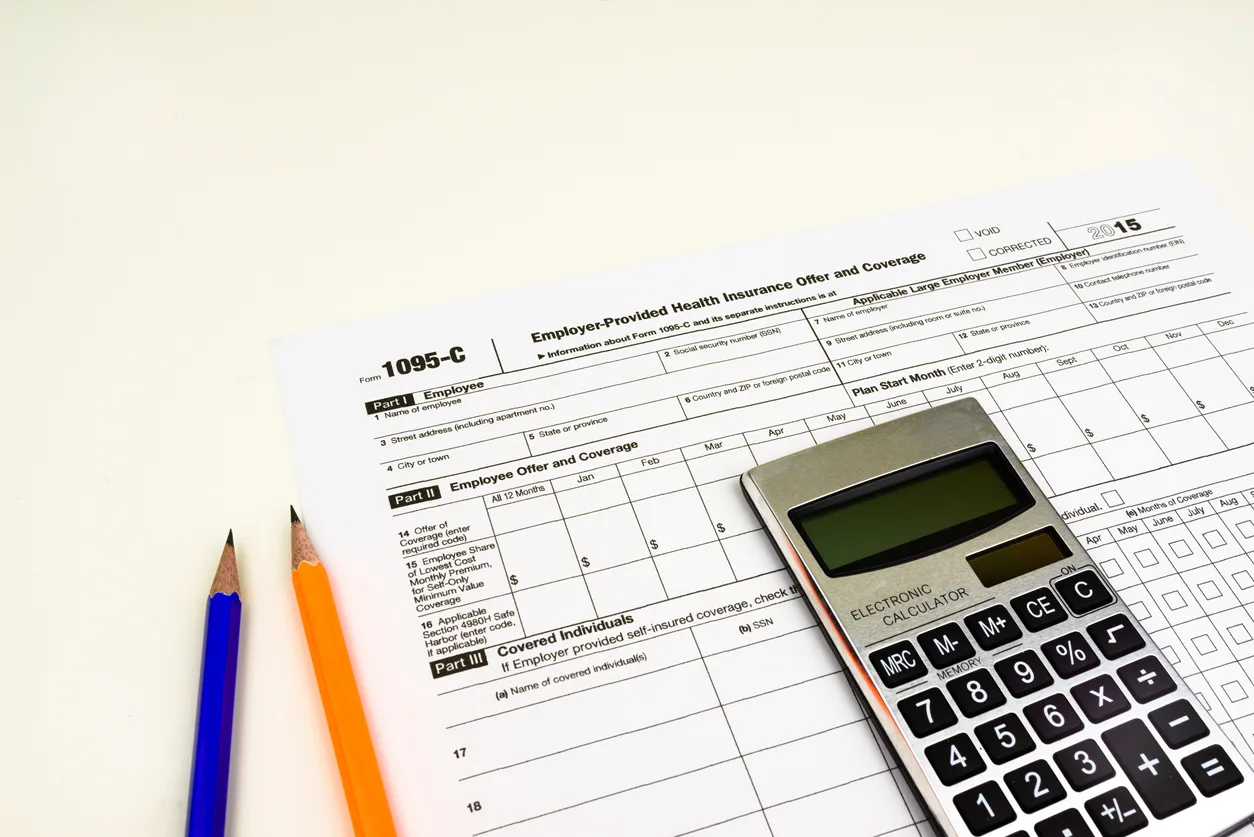
For employers with multiple related companies, understanding how the ACA treats employees who move between entities is important for accurate eligibility and reporting.

Employers should avoid making eligibility decisions based solely on the employee's relationship to the individual.