
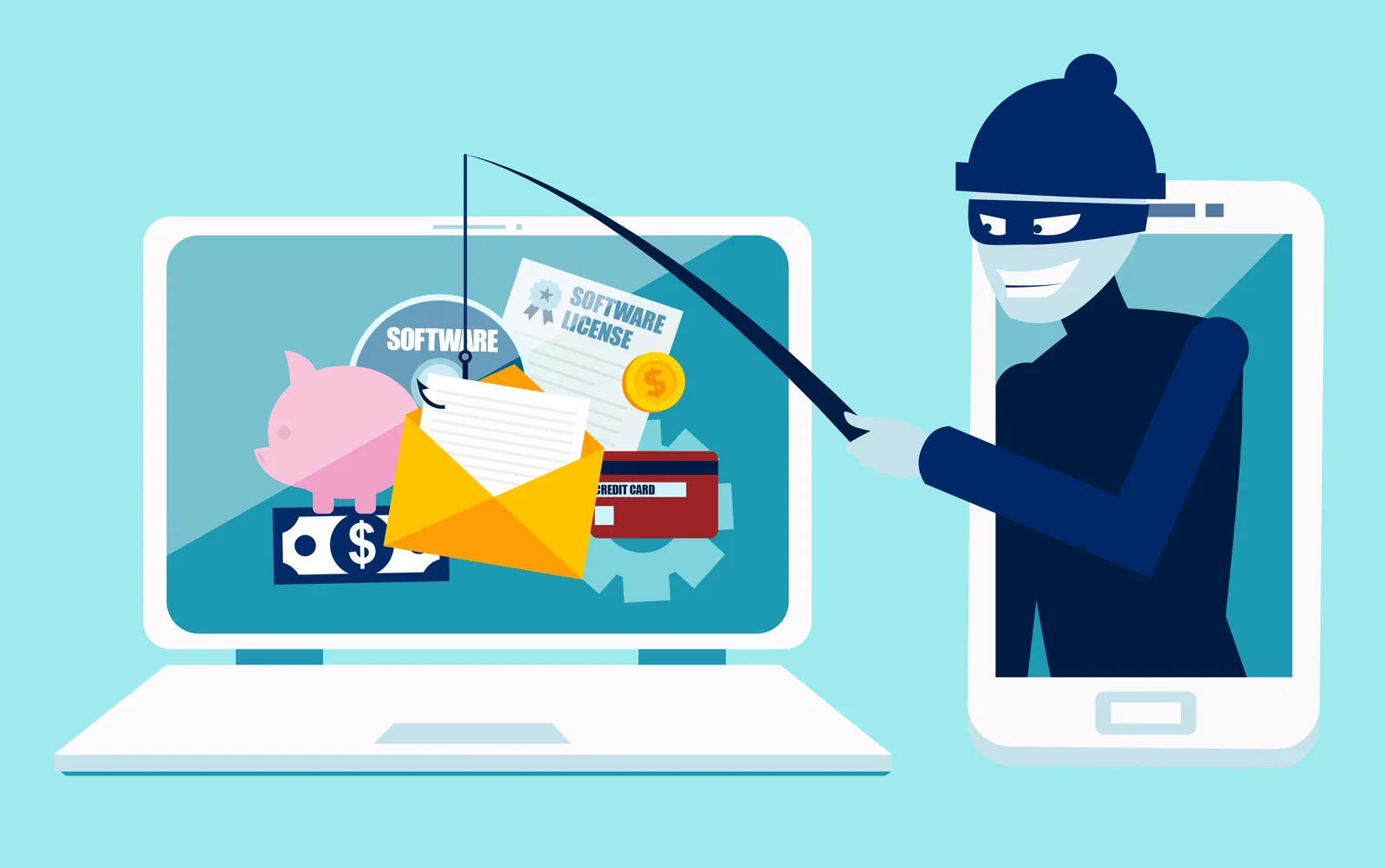
Open Enrollment Season Is Also Phishing Season
Open enrollment creates new opportunities for benefits-related phishing scams.

In today’s digital workplace, strong password practices are more than an IT issue; they're a shared responsibility that protects employee data, business operations, and...
In today’s digital workplace, strong password practices are more than an IT issue; they’re a shared responsibility that protects employee data, business operations, and company reputation. HR professionals play a key role in reminding teams that cybersecurity starts with small, everyday actions.
Here are a few simple, effective reminders to include in employee onboarding, training refreshers, or team meetings:
Security is important. A single compromised password can expose sensitive HR records, payroll data, or employee communications. Remind teams: protect passwords like they would their keys: never leave them out, never share them, and never reuse them.
Benefit Allocation Systems (BAS) provides online solutions for: Employee Benefits Enrollment; COBRA; Flexible Spending Accounts (FSAs); Health Reimbursement Accounts (HRAs); Leave of Absence Premium Billing (LOA); Affordable Care Act Record Keeping, Compliance & IRS Reporting (ACA); Group Insurance Premium Billing; Property & Casualty Premium Billing; and Payroll Integration.
MyEnroll360 integrates with major insurance carriers for enrollment eligibility management (e.g., Blue Cross, Blue Shield, Aetna, United Health Care, Kaiser, CIGNA and others), and with leading payroll platforms for enrollment deduction management (e.g., Workday, ADP, Paylocity, PayCor, UKG, and others).
This article is for informational purposes only and is not intended as legal, tax, or benefits advice. Readers should not rely on this information for taking (or not taking) any action relating to employment, compliance, or benefits. Always consult with a qualified professional before making decisions based on this content.
Open enrollment creates new opportunities for benefits-related phishing scams.
Downloading a report may take only a few seconds, but the file can remain on a computer for months or even years.

A security review before enrollment begins can help eliminate unnecessary risks.