
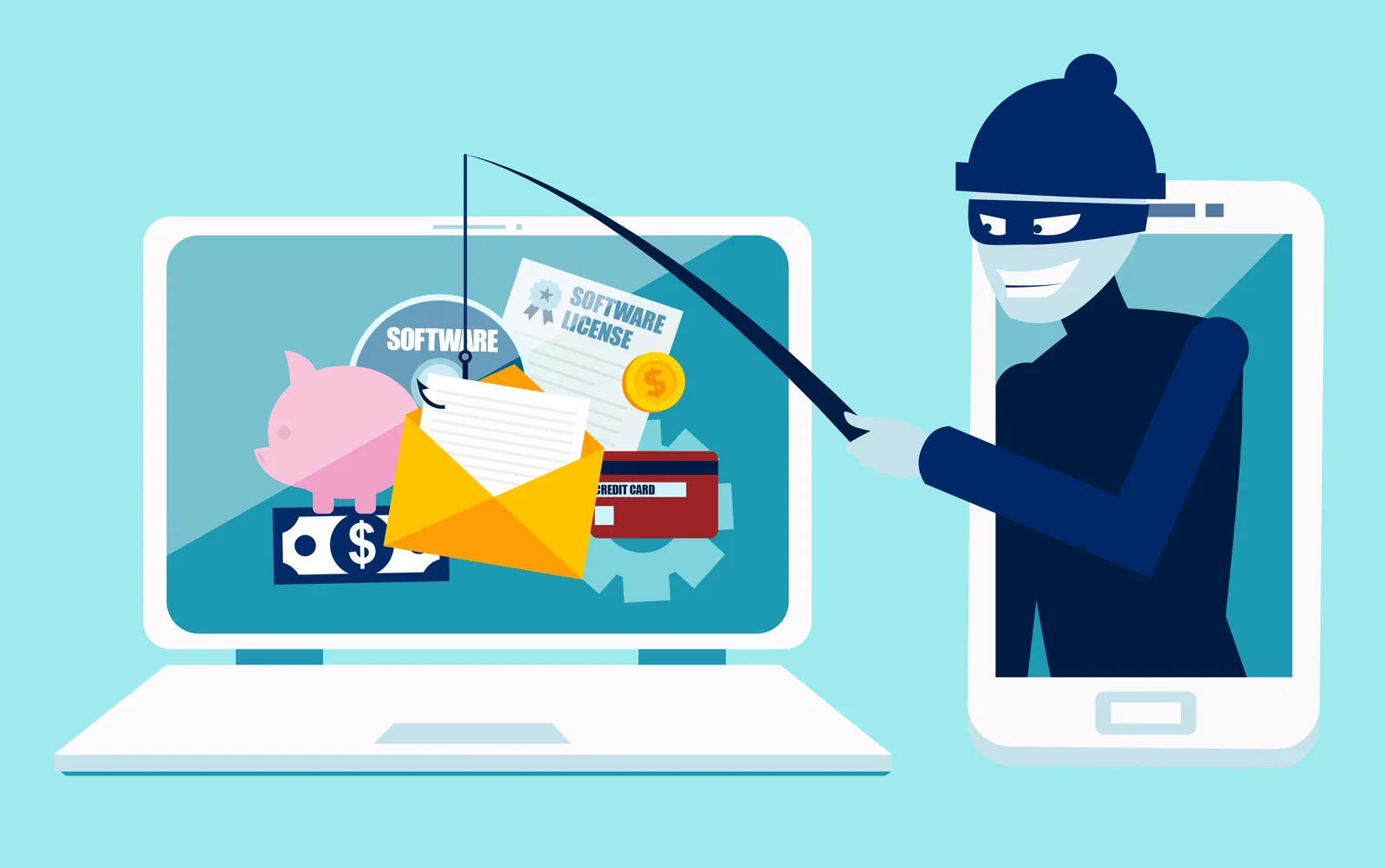
Open Enrollment Season Is Also Phishing Season
Open enrollment creates new opportunities for benefits-related phishing scams.
One of the simplest and most effective ways employees can help safeguard company systems and personal information is by enabling multi-factor authentication.

In today’s digital workplace, protecting sensitive data is a shared responsibility. One of the simplest and most effective ways employees can help safeguard company systems and personal information is by enabling multi-factor authentication (MFA).
MFA is a login process that requires users to verify their identity using two or more methods. Typically, this means entering a password and then confirming access through a separate method, such as a code sent to a mobile device or an app-generated notification. This extra step makes it significantly more difficult for unauthorized users to gain access to accounts, even if a password is compromised.
Passwords can be guessed, stolen, or reused across systems. MFA reduces the risk of unauthorized access even if a password is compromised. By setting up MFA, employees help protect sensitive data, ensure compliance with company policies and regulations, and reduce the likelihood of phishing and other cyber threats
Cyberattacks are becoming more sophisticated, and stolen credentials remain one of the most common entry points for data breaches. MFA adds an extra layer of protection by making it much harder for attackers to access accounts, even if they have a password.
Here’s why it’s essential for employees to set up MFA for all systems where it is available:
Employees are encouraged to set up MFA for all systems that support it. Typically, this involves enabling MFA in user account settings and following simple steps to link a mobile device or authentication app.
MFA takes just a few minutes to set up—but the protection it offers lasts much longer. By taking this small step, employees play a key role in maintaining a secure, trusted work environment.
Benefit Allocation Systems (BAS) provides online solutions for: Employee Benefits Enrollment; COBRA; Flexible Spending Accounts (FSAs); Health Reimbursement Accounts (HRAs); Leave of Absence Premium Billing (LOA); Affordable Care Act Record Keeping, Compliance & IRS Reporting (ACA); Group Insurance Premium Billing; Property & Casualty Premium Billing; and Payroll Integration.
MyEnroll360 integrates with major insurance carriers for enrollment eligibility management (e.g., Blue Cross, Blue Shield, Aetna, United Health Care, Kaiser, CIGNA and others), and with leading payroll platforms for enrollment deduction management (e.g., Workday, ADP, Paylocity, PayCor, UKG, and others).
This article is for informational purposes only and is not intended as legal, tax, or benefits advice. Readers should not rely on this information for taking (or not taking) any action relating to employment, compliance, or benefits. Always consult with a qualified professional before making decisions based on this content.
Open enrollment creates new opportunities for benefits-related phishing scams.
Downloading a report may take only a few seconds, but the file can remain on a computer for months or even years.

A security review before enrollment begins can help eliminate unnecessary risks.