ACA Reporting
ACA Compliance Lessons Learned From Recent Reporting Seasons
Common themes emerge when reflecting on recent ACA reporting seasons that can help employers reduce administrative burdens and improve accuracy.
Questions about your benefits? Contact your HR administrator.

As an employer, you play a key role in ensuring your employees can easily access their MyEnroll360 accounts.
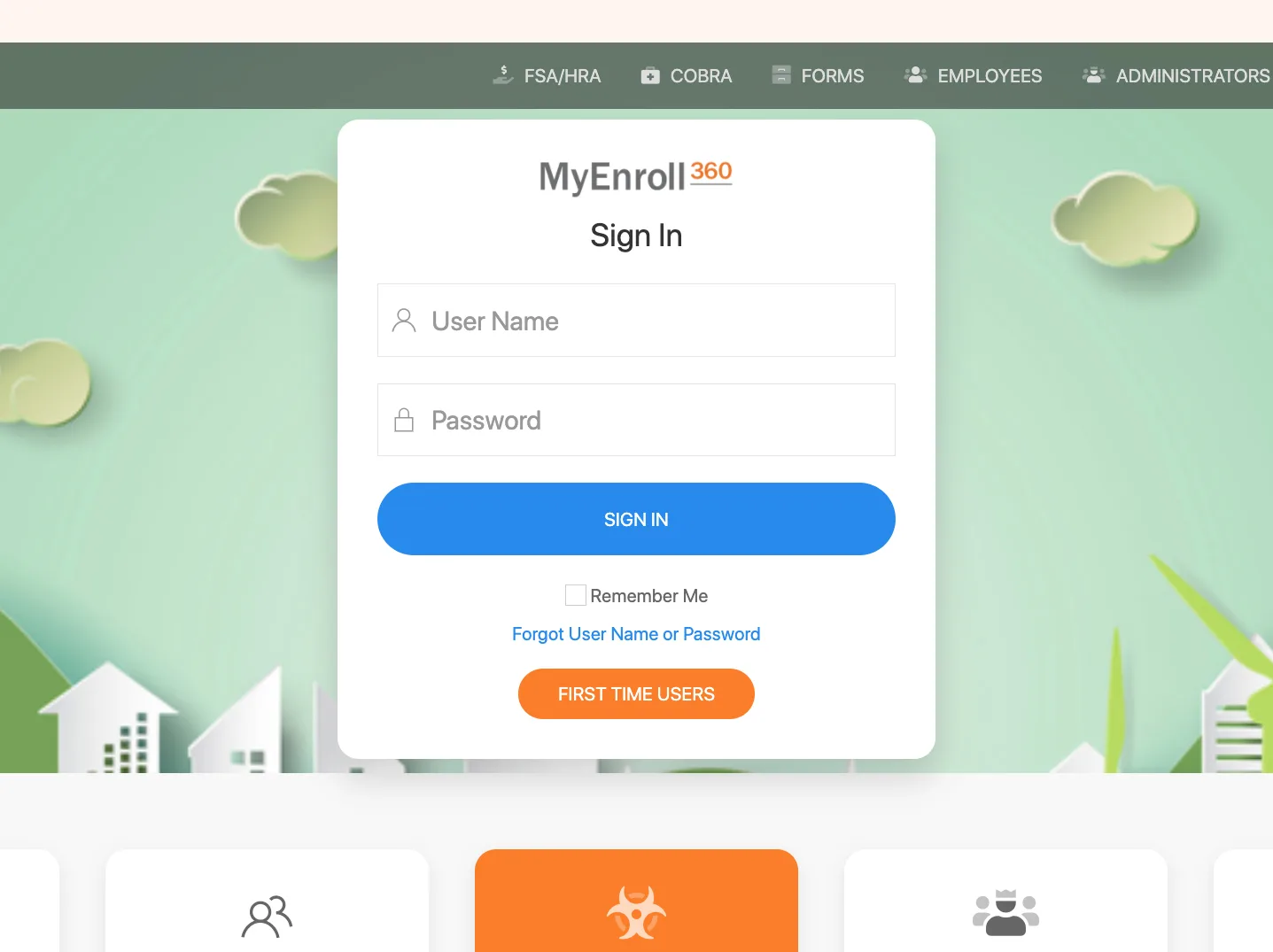
As an employer, you play a key role in ensuring your employees can easily access their MyEnroll360 accounts. Use this guide to help your team members navigate the login process, whether they are first-time users or need assistance recovering their credentials.
For employees who already know the email associated with their account, share these steps:
They will receive an email with their Username and a temporary password. If they are administrators, remind them to use their work email, not a personal email.
If an employee is unsure which email is linked to their account, direct them to:
Visit myenroll.com and select First Time Users.
Click I do not know my email.
Enter the following information: Social Security Number
Home Zip Code
Date of Birth
Check the I am not a Robot
Click Submit.
Once verified, they will receive their Username and a temporary password via email.
Their username will be sent to their registered email.
If an employee cannot remember the email linked to their account, instruct them to:
Click I do not know my email on the login page.
Provide the following information: Phone number
Home zip code
Date of birth
Check the I am not a Robot box and click Submit.
Their username will be displayed on the screen and sent to their registered email. They can then proceed to reset their password if necessary.
By sharing this information, you can help your employees easily access MyEnroll360 and manage their benefits. If they encounter any issues, encourage them to reach out Client Services at service@myenroll.com for assistance.
Benefit Allocation Systems (BAS) provides online solutions for: Employee Benefits Enrollment; COBRA; Flexible Spending Accounts (FSAs); Health Reimbursement Accounts (HRAs); Leave of Absence Premium Billing (LOA); Affordable Care Act Record Keeping, Compliance & IRS Reporting (ACA); Group Insurance Premium Billing; Property & Casualty Premium Billing; and Payroll Integration.
MyEnroll360 integrates with major insurance carriers for enrollment eligibility management (e.g., Blue Cross, Blue Shield, Aetna, United Health Care, Kaiser, CIGNA and others), and with leading payroll platforms for enrollment deduction management (e.g., Workday, ADP, Paylocity, PayCor, UKG, and others).
This article is for informational purposes only and is not intended as legal, tax, or benefits advice. Readers should not rely on this information for taking (or not taking) any action relating to employment, compliance, or benefits. Always consult with a qualified professional before making decisions based on this content.