
Employee Waived Health Coverage? Don't Forget About ACA Reporting
A common misconception is that employees who waive coverage can be excluded from ACA reporting.

Before sharing information, ask a simple question: What does this person actually need to perform the task?

HR and benefits professionals routinely work with some of an organization’s most sensitive information. Employee files may contain Social Security numbers, dates of birth, addresses, compensation information, banking information, benefit elections, dependent information, and health-related information.
Protecting that information does not only mean keeping it away from cybercriminals. It also means making sure information is not unnecessarily shared with people who do not need it.
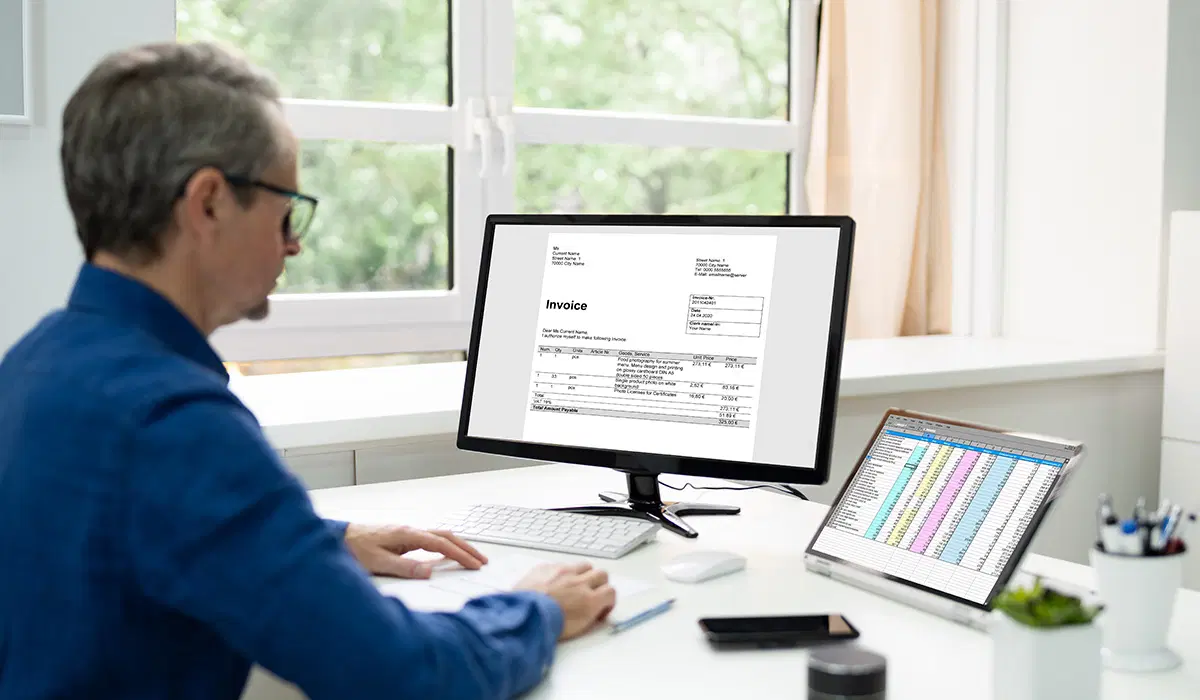
Consider a common situation: HR prepares a spreadsheet for a project and sends it to several managers and coworkers involved in the process. The spreadsheet contains employee names and information needed for the project, but it also includes dates of birth, Social Security numbers, salaries, benefit elections, or other data that some recipients do not need.
Everyone receiving the file may be authorized to work on the project, but that does not necessarily mean everyone needs access to every piece of information in the file.
Before sharing employee information, ask a simple question: What does this person actually need to perform the task?
One of the easiest ways to reduce risk is to limit the information being shared.
If a vendor needs employee names and email addresses, don’t automatically send the complete employee census containing Social Security numbers and dates of birth. If a manager needs a list of employees enrolled in a particular program, consider whether the manager also needs to see dependent information or other benefit elections.
Before sending a report or spreadsheet, review it and remove information that is not needed for the particular purpose.
The less sensitive information that is distributed, the less information there is to expose if an email is misdirected, an account is compromised, or a file is forwarded to someone else.
Email makes it particularly easy to share information too broadly.
Adding someone to an email simply to “keep them in the loop” can give that person access to the entire email chain and every attachment included with it. Before adding recipients, consider whether they actually need the information contained in the message.
Distribution lists require similar caution. A list that was appropriate for one communication may include individuals who should not receive sensitive information in another.
Before clicking Send, take a moment to review the To and CC fields, particularly when the message contains employee information.
The email itself may contain very little sensitive information, while the attachment contains much more.
Spreadsheets deserve particular attention. A workbook may contain additional tabs, hidden columns, comments, or data left over from an earlier report. A file prepared for one purpose may also contain information that is unnecessary for the person receiving it.
Before attaching a file, open it and review what you are actually sending.
Employees sometimes think security procedures are primarily intended to prevent information from leaving the organization. Internal access matters too.
HR, payroll, benefits, managers, IT, and other departments may all need employee information, but they do not necessarily need access to the same information.
Access to sensitive information should be based on legitimate business needs and job responsibilities rather than convenience.
This is particularly important when dealing with personally identifiable information (PII), protected health information (PHI), payroll and banking information, Social Security numbers, and other confidential employee data.
Even when a recipient legitimately needs employee information, how the information is transmitted matters.
Employees should use company-approved systems and secure transmission methods when sharing sensitive information. Personal email accounts, personal cloud storage, unapproved file-sharing applications, and other workarounds can move information outside the organization’s security controls.
If you are unsure how to securely send a particular type of information, ask before sending it.
Protecting employee information does not always require sophisticated technology. Sometimes it requires taking a few extra seconds before sharing a file.
Before sending employee information, ask:
Good information security is not simply about keeping unauthorized outsiders from accessing company systems. It is also about making sure sensitive information is available only to the people who need it, when they need it, for a legitimate business purpose.
Benefit Allocation Systems (BAS) provides online solutions for: Employee Benefits Enrollment; COBRA; Flexible Spending Accounts (FSAs); Health Reimbursement Accounts (HRAs); Leave of Absence Premium Billing (LOA); Affordable Care Act Record Keeping, Compliance & IRS Reporting (ACA); Group Insurance Premium Billing; Property & Casualty Premium Billing; and Payroll Integration.
MyEnroll360 integrates with major insurance carriers for enrollment eligibility management (e.g., Blue Cross, Blue Shield, Aetna, United Health Care, Kaiser, CIGNA and others), and with leading payroll platforms for enrollment deduction management (e.g., Workday, ADP, Paylocity, PayCor, UKG, and others).
This article is for informational purposes only and is not intended as legal, tax, or benefits advice. Readers should not rely on this information for taking (or not taking) any action relating to employment, compliance, or benefits. Always consult with a qualified professional before making decisions based on this content.
A common misconception is that employees who waive coverage can be excluded from ACA reporting.

BAS provides administrative support behind a broker-client relationship.
Sending a work document to a personal email account can move sensitive information outside of an employer’s security protections.